01
Space check & fit
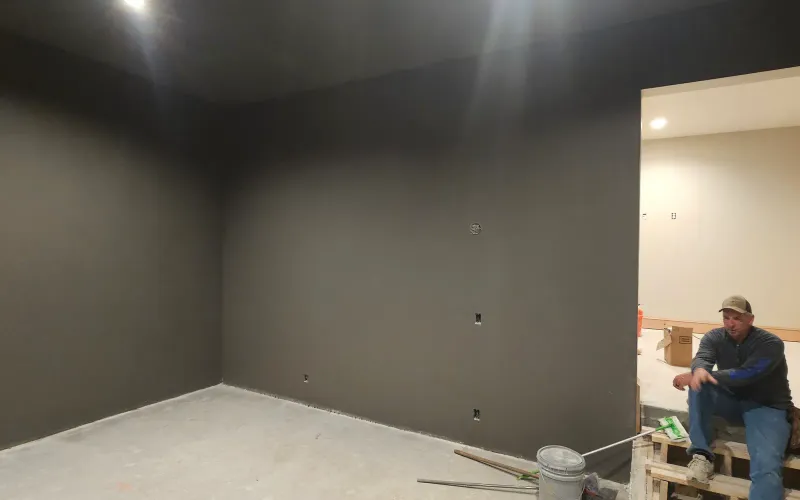
Before anything's ordered, we confirm the space is actually ready — ceiling height, depth, width, light, and power. If it's ready, we install. If it's not, we tell you honestly what it'd take.

Home Installation
When your space is already finished or close to it, you don't need a remodel — you need the simulator installed right, once, by people who've done it hundreds of times.
A home golf simulator installation is the simpler scope: the room exists, it's roughly the right shape, and the job is putting the equipment in and making it work — cleanly, accurately, and without you turning into the installer. We handle the launch monitor you choose, the enclosure, the screen, the projector, the mat, the mounting, and the calibration. Goal, budget, design, build — even on the simpler jobs, that's still the order we follow.
30 years in KC construction · 5 bays we built ourselves · one team, accountable start to finish
Why Professional Install
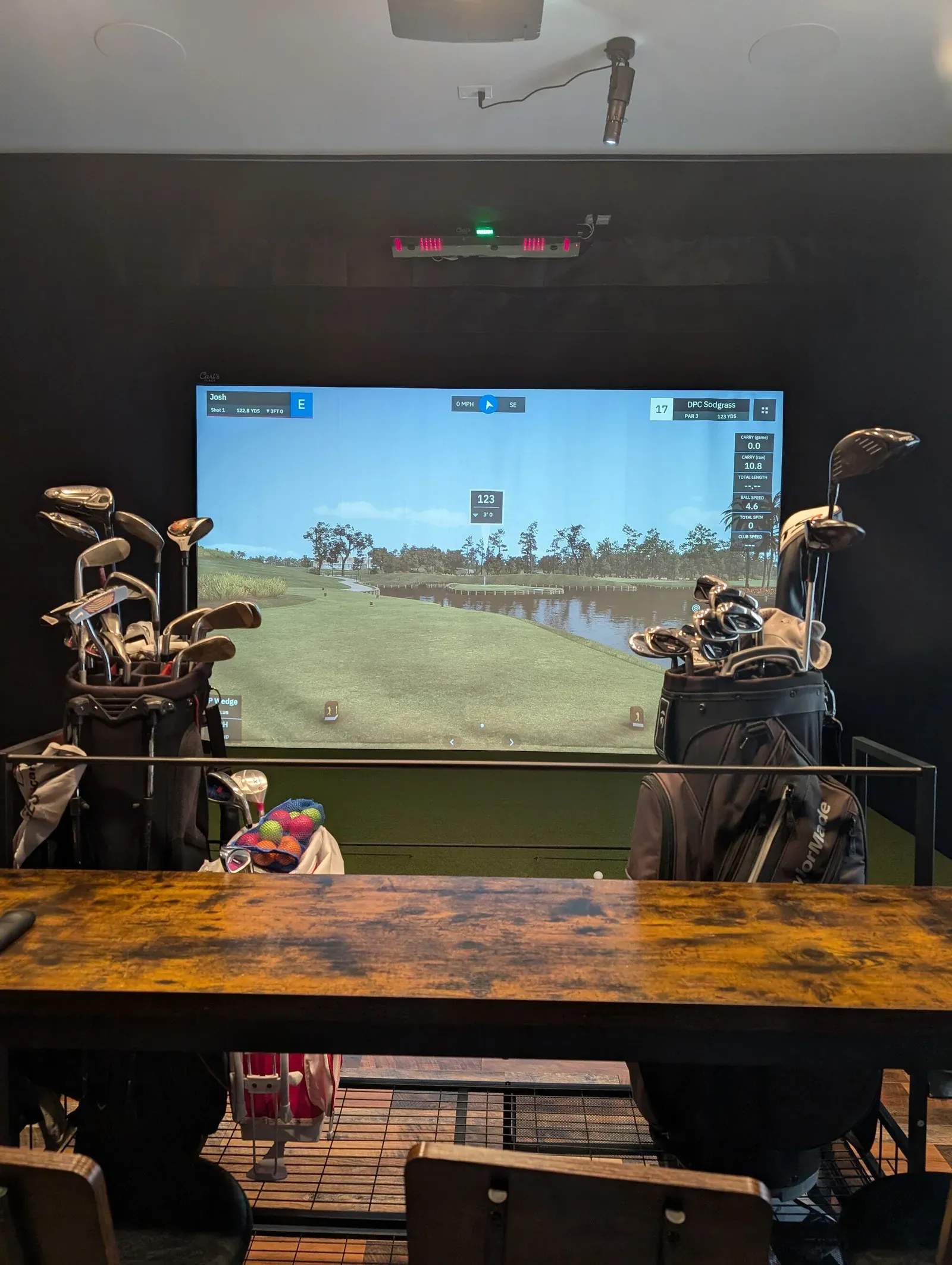
The online retailers sell a weekend-project fantasy: order the package, follow the instructions, you're hitting balls by Sunday. Two things they leave out. First, before you even buy, you fall into the product rabbit hole — every brand has a loud marketing machine, the reviews contradict each other, and half the "advice" online is paid. Then, once the boxes arrive, you're the one mounting the projector, tensioning the screen, squaring the enclosure, running the cable, and troubleshooting why your numbers look wrong. The fantasy is easy. The reality is a month of evenings.
"Easy setup" usually means easy for them to ship — not easy for you to live with.
DIY / online kit
Professional installation
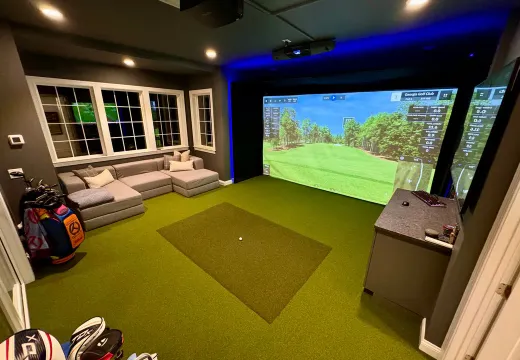
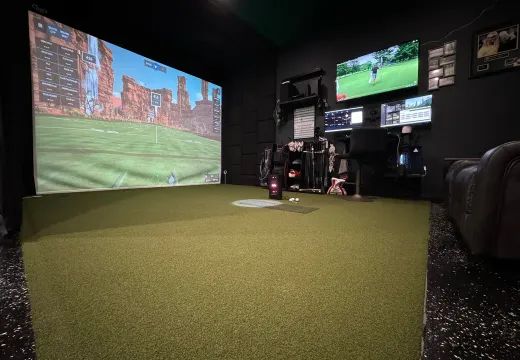
If your space already works, you don't need the whole thing torn up and rebuilt — you need it installed right, once. That's exactly what this service is. And if your space isn't ready and genuinely needs construction, we'll tell you that too, and point you to the right scope.
What's Included
When the space is already finished or close, a home installation is the simpler scope. Here's what's included.
Before anything's ordered, we confirm the space is actually ready — ceiling height, depth, width, light, and power. If it's ready, we install. If it's not, we tell you honestly what it'd take.
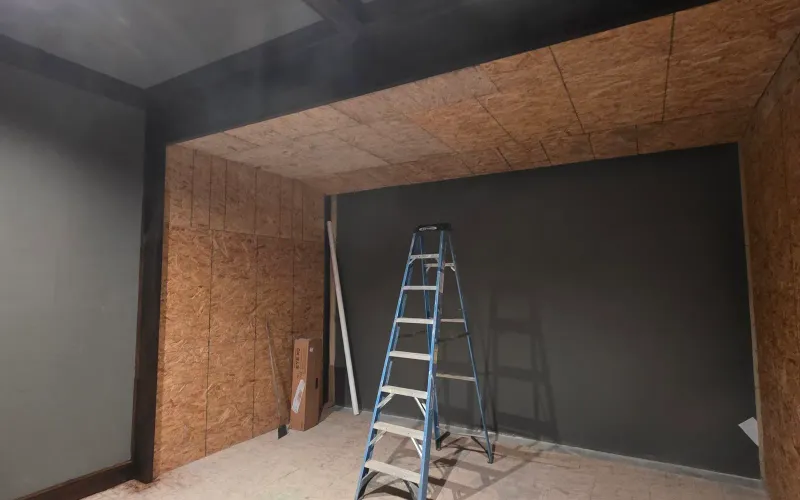
We install every major brand — Uneekor, Trackman, ProTee VX, Apogee, Foresight, and Mevo+ for tighter budgets — and help you choose based on your goals, budget, and space, not on which brand spends the most on marketing.
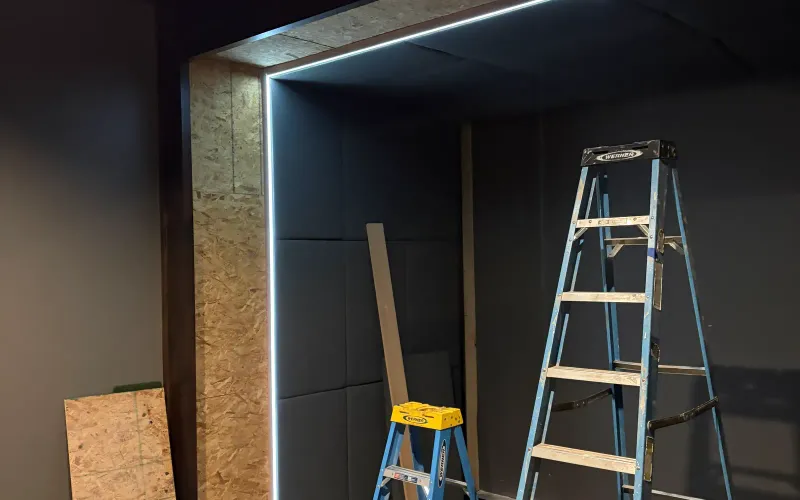
Enclosure, screen, projector or impact screen, mat and turf, mounting, and clean cable runs — installed by the crew that built our own five bays. This is the part that goes sideways when an amateur does it.
See how the install runs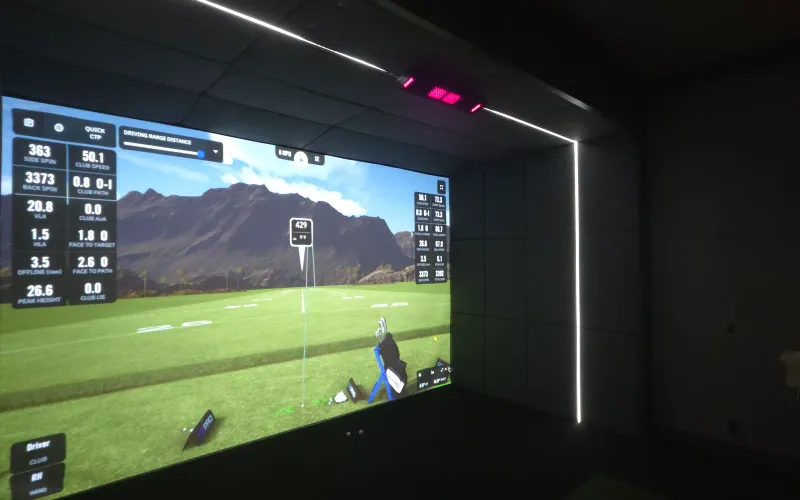
We dial it in until the numbers are true and the picture is square, then we show you how to run it. You start hitting balls the day we finish, not the weekend after.
If your space needs real construction — framing, finishing, moisture control, or a full remodel — that's custom design + build , where we transform the whole space. If it's specifically a basement or a garage , those pages cover the room-specific work.
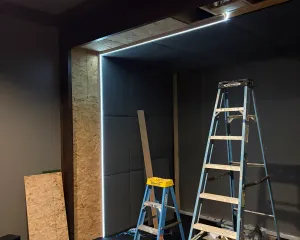
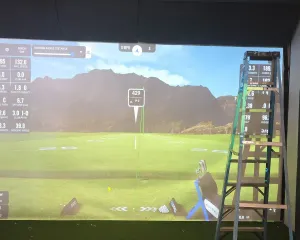
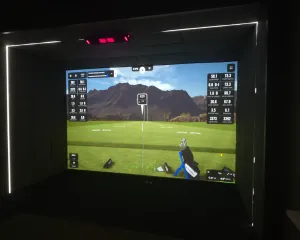
Still a Construction Job
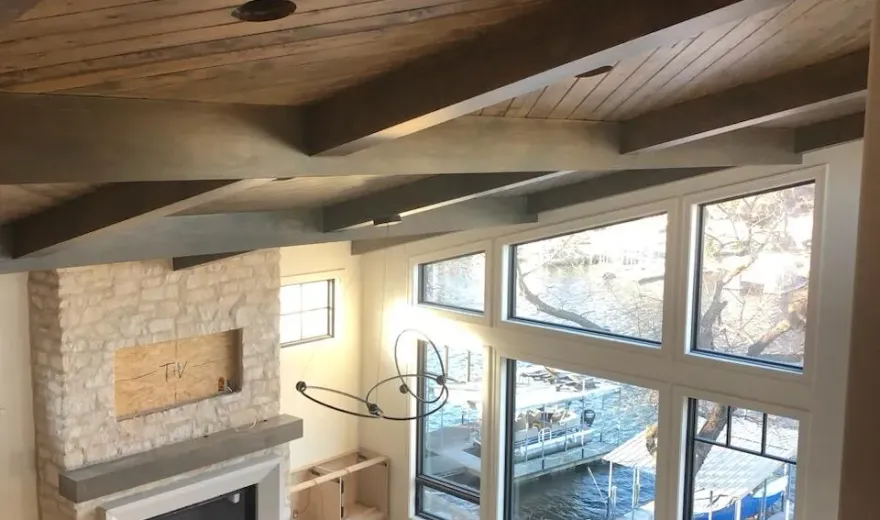
A home install sounds straightforward until you're in the room. The wall isn't square. The studs aren't where you want the mount. The outlet's on the wrong side. The ceiling drops an inch in one corner. A construction crew handles those surprises without drama — we've framed and finished Kansas City homes since 1995, so an off-square wall is Tuesday, not a crisis. An equipment installer often just works around it, and you live with the result.
We proved we can do this on our own building. Every one of the five bays at All Seasons Indoor Golf Club was installed and calibrated by this crew, and they run every day under real use. We install across the Kansas City metro , Columbia, and the Lake of the Ozarks — and the showroom is right here in south KC, open to walk through.
Home installation assumes the space is largely ready. If yours actually needs to be built or remodeled — a raw basement, an unfinished bonus room, an addition — that's a different, bigger scope, and the honest answer is custom design + build . We'd rather scope it right than sell you the wrong service.
Investment
Lower than a full custom build, because the room is already there. The real number comes after we confirm your space. Most home installations land in one of these three.
$15k–$25k
Equipment Install
A finished, ready space; we're installing and calibrating the equipment with little or no finishing work. The simplest version of the job.
Most common
$25k–$45k
Install + Light Finishing
The space is mostly ready but needs some finishing — paint, light electrical, trim, a little drywall — alongside a full install. No structural work. This is where most home installs land.
$45k+
Top-Tier Equipment Install
Higher-end equipment and light finishing in a space that's already in good shape. Note: anything that requires a real remodel moves to custom design + build regardless of budget — that's the scope line, not the dollar line.
With the room already set, the monitor is the one real decision left — so base it on what you want out of the room, not on the brand with the loudest marketing. Capable units start near $4k and climb past $40k, and a Mevo+ lands around $1k before the software your goals call for. The price gap rarely tracks with accuracy; it tracks with advertising spend. See how the brands actually stack up in our launch monitor comparison , and look at Kansas City financing if you'd rather pay over time.
Space already in good shape? Let's talk numbers.
Before You Commit
The online photos all look great — that's the marketing's job. What you can't judge from a photo is how a clean install actually plays: how the screen sits, how the picture looks under real light, how much room you really have around the swing. You can judge all of it in person, in about ten minutes, at our showroom.
All Seasons Indoor Golf Club, south Kansas City — open to the public, no appointment. Visit the showroom .
Drop By the Showroom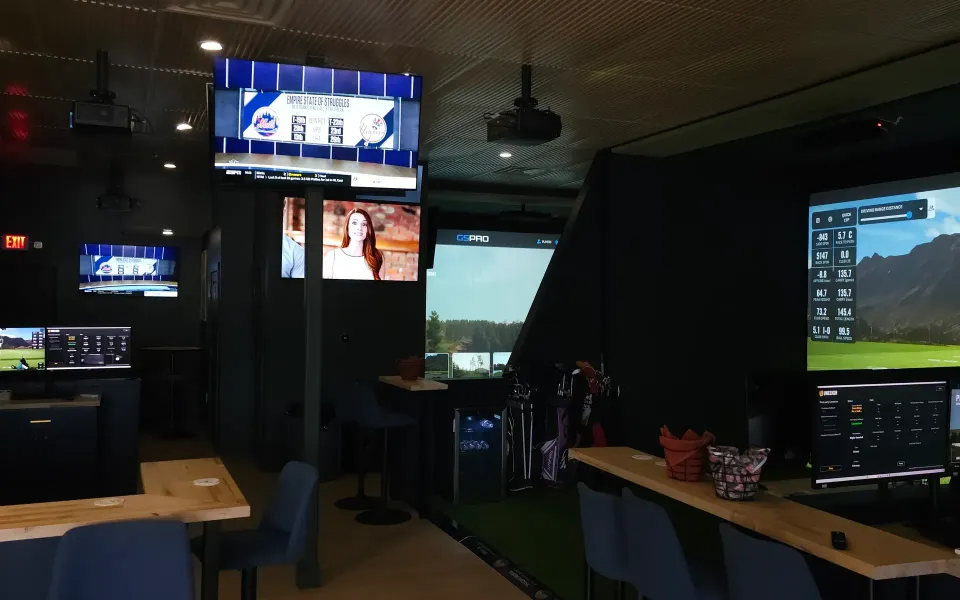
FAQ
It's the simpler scope — installing and calibrating a full simulator (launch monitor, enclosure, screen, projector, mat) in a space that's already finished or close to it, without rebuilding the room. We handle equipment selection, mounting, wiring, and calibration.
If the room itself needs construction, that's a different service — custom design and build, where we transform the whole space rather than just install in it.
If your space is already finished and roughly the right size, we install in it as-is — that's exactly what home installation is. If it needs framing, finishing, or a remodel first, that's custom design and build. We confirm which one you're in during the space check, before anything's ordered.
Most homeowners with a finished basement, bonus room, or rec room are in the home-installation lane. The space check tells us for sure.
You can attempt it, but "easy setup" hides two hard parts: the research rabbit hole of choosing equipment through a wall of brand marketing, and the install itself — mounting, tensioning, squaring, wiring, and calibrating. We've done it hundreds of times, so it's right the first day instead of the fifth weekend.
Plenty of our installs started as someone's stalled DIY project. There's no judgment — the marketing genuinely makes it look simpler than it is.
It depends on your goals, budget, and space — not on brand prestige. We install every major brand (Uneekor, Trackman, ProTee VX, Apogee, Foresight, Mevo+), and the price gap between them is often a marketing-budget gap as much as an accuracy gap. We help you choose honestly.
A budget setup and a serious training room call for very different gear. We break down the real tradeoffs in our launch monitor comparison .
A clean install in a ready space is usually a day or two — versus the two to four weeks a full custom build takes. The exact time depends on the equipment and any light finishing, which we confirm before we start.
The space check up front is what keeps the timeline honest; surprises in the room are what stretch DIY installs into months.
Not the right fit?
Tell us about your space and your goal. If it's ready, we install. If it needs building, we'll say so. Start a conversation.
Home installation assumes your space is largely ready. If that's not your situation, one of these is the better starting point:
If your space is already close to ready, the next step is a quick conversation about your goal and budget — or come see a finished install at the showroom first. Either way, it's a conversation, not a contract.
All services